
-
-
Login to https://app.squareup.com/dashboard
-
Navigate to Staff > Team Members https://app.squareup.com/dashboard/team/...
-
Click the 'Add team member' button on the top right of the page
-
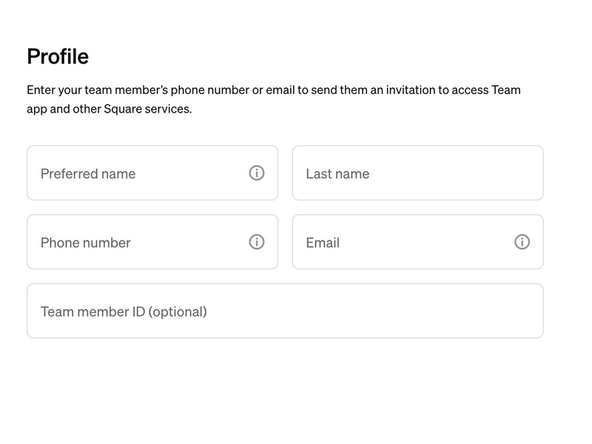
Fill out the Preferred First Name, Last Name, and Email
-
Click the 'Next' button
-
-
-
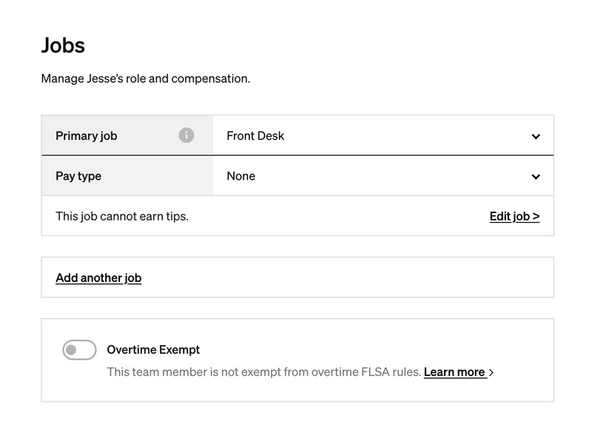
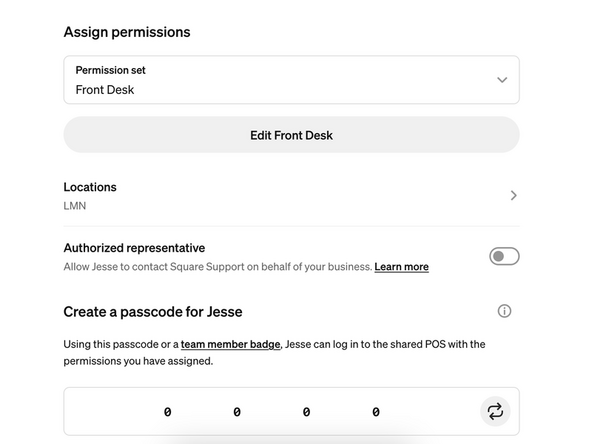
Assign Permissions as "Front Desk"
-
Ask the user what they would like their passcode to be, and type it into the numbers area at the bottom.
-
Click the 'next' button
-
Click the 'done' button on the review page. This will send an email to the new user.
-
The user has been added!
-
Almost done!
Finish Line
